If the two of you were a band, what would it be called – and who plays what?
The app for couplesA home for
A home for
your relationship
Tilia is an app for couples. You answer questions and discover what the other thinks. With every answer you build a virtual home together.
- Always new questions
- Each on your own phone
- Free to start
Free download. Android for now in Spain and Germany.

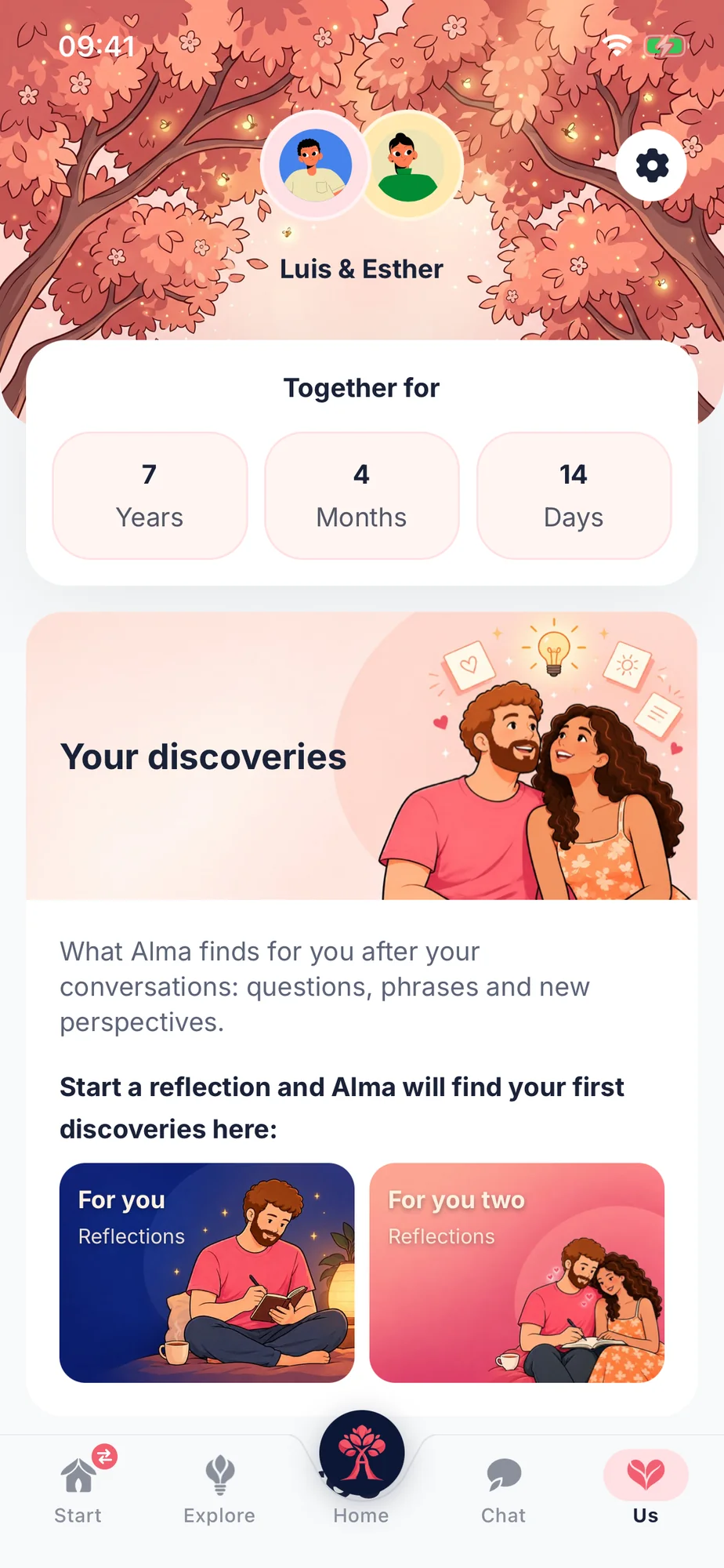
Grow closer, one question at a time
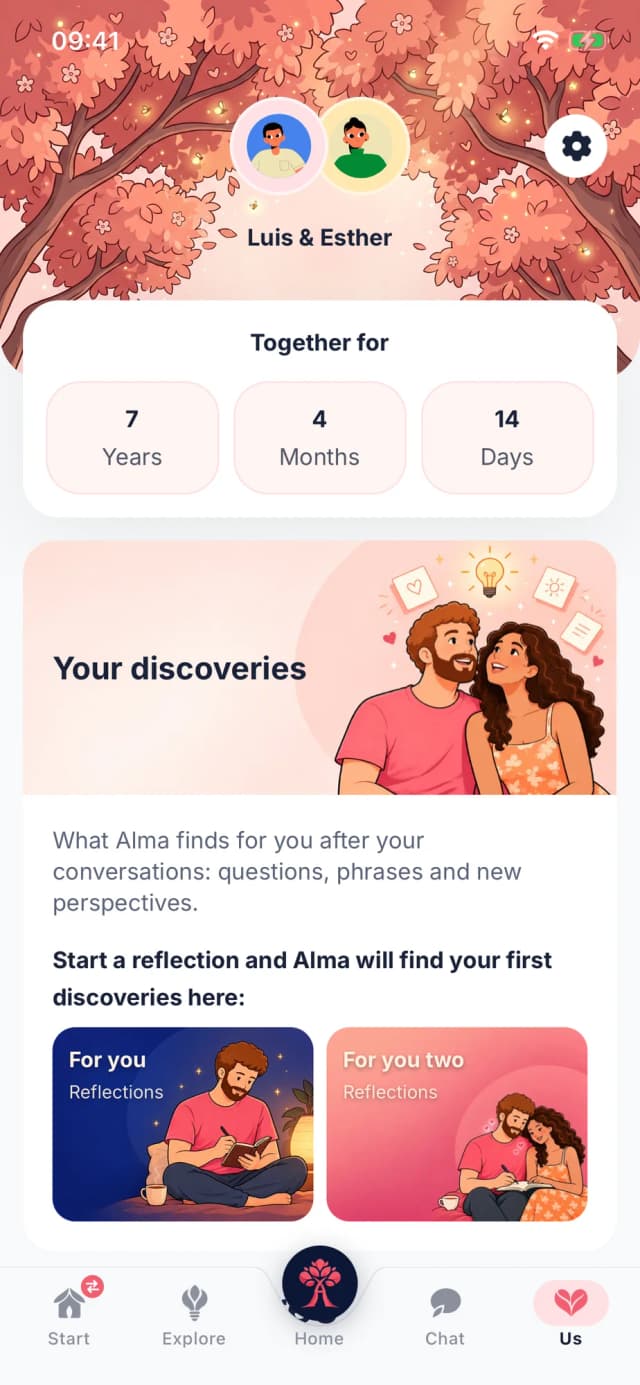
In Tilia you grow closer in two ways: with questions you answer together, and with questions you ask yourself.
- For you two
Questions for both of you
You both answer the same question, each on your own. Once you have both answered, you see the other's answer and keep talking.
- For you
Reflections just for you
Questions about yourself, at your own pace. What you write is private, and you decide whether to share anything with your partner. Because when you know yourself better, you understand each other better too.
More than “How was your day?”
Over time, a lot of conversations turn into logistics: who's shopping, what's for dinner, how was your day. It's not a lack of love. Everyday life just never asks anything else. That's what Tilia is for.
An ordinary Tuesday
How was your day?
Fine. Yours?
Fine. What's for dinner?
A Tuesday with Tilia
Your questionWhich three songs would you put on a playlist for your partner – and why?
Maya
The one from the car in Scotland. I still laugh every time I hear it.
Sam
The Scotland one, no question. And something to sing along to while we cook.
Maya
We both picked the same song!
How it works
MemoriesFunIntimacyFutureFamilyConflict
What do you remember about your first date?
What do you remember about your first date?
You
You were half an hour late.
AnsweredSam
Visible once you've both answered
I was sooo nervous.
You were nervous? I'd never have guessed!


1Pick a question
Memories, fun, intimacy, the future and much more. Pick whatever you feel like, or the question of the day that Tilia suggests.
Questions you'd never ask on the couch
Funny, deep, for laughing or for clearing the air.
What was your very first impression of your partner – and what part of it still holds true today?
What is the most attractive thing about your partner that you cannot see?
Which small habit of your partner sometimes drives you up the wall – and how could you bring it up kindly?
What does an ordinary but perfect day for the two of you look like five years from now?
How are you really doing right now – beyond “fine”?
And they never run out: the catalog keeps growing, and Tilia creates new questions from what you talk about.
And when you can't decide, Tilia suggests a question of the day.
The fun part: your virtual home





























The fun part: your virtual home
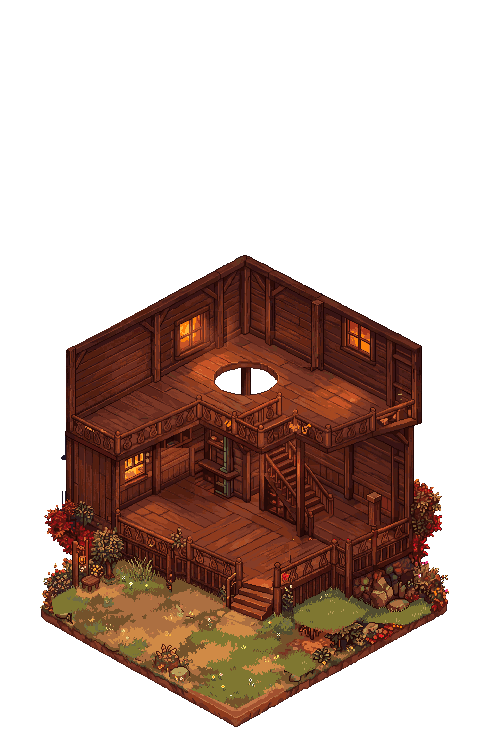
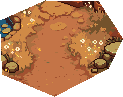
Every couple startswith an empty house.
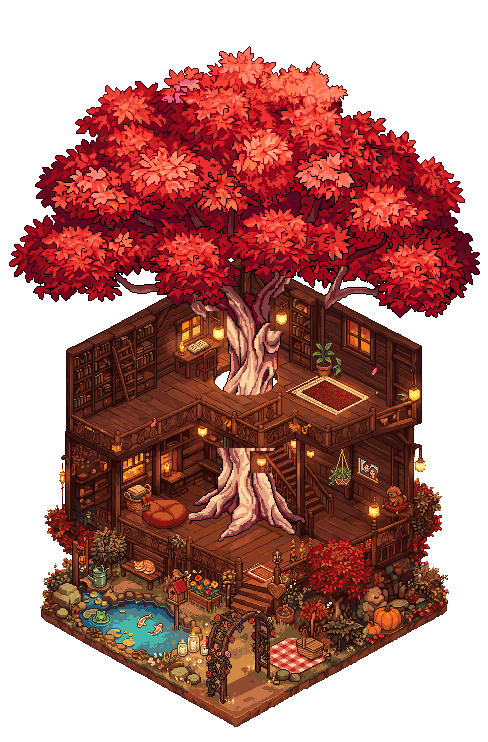
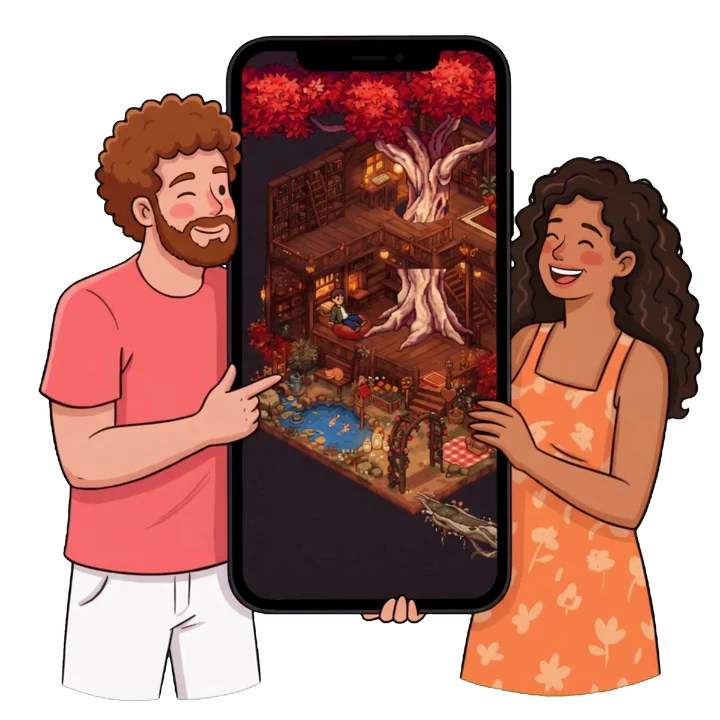
When you start Tilia, your virtual home is almost empty. It belongs to both of you, with an avatar for each, and it only grows when you talk.
The fun part: your virtual home
Every questionyou both answerbuilds a new piece.
Once you've both answered, something new appears in your home: a sofa, a lamp, a shelf full of books.
The fun part: your virtual home
Funny or deep,every conversation counts.
Questions to laugh about and questions to clear the air: it all counts. That's how the pond, the garden and the flowers grow.

Meet Alma
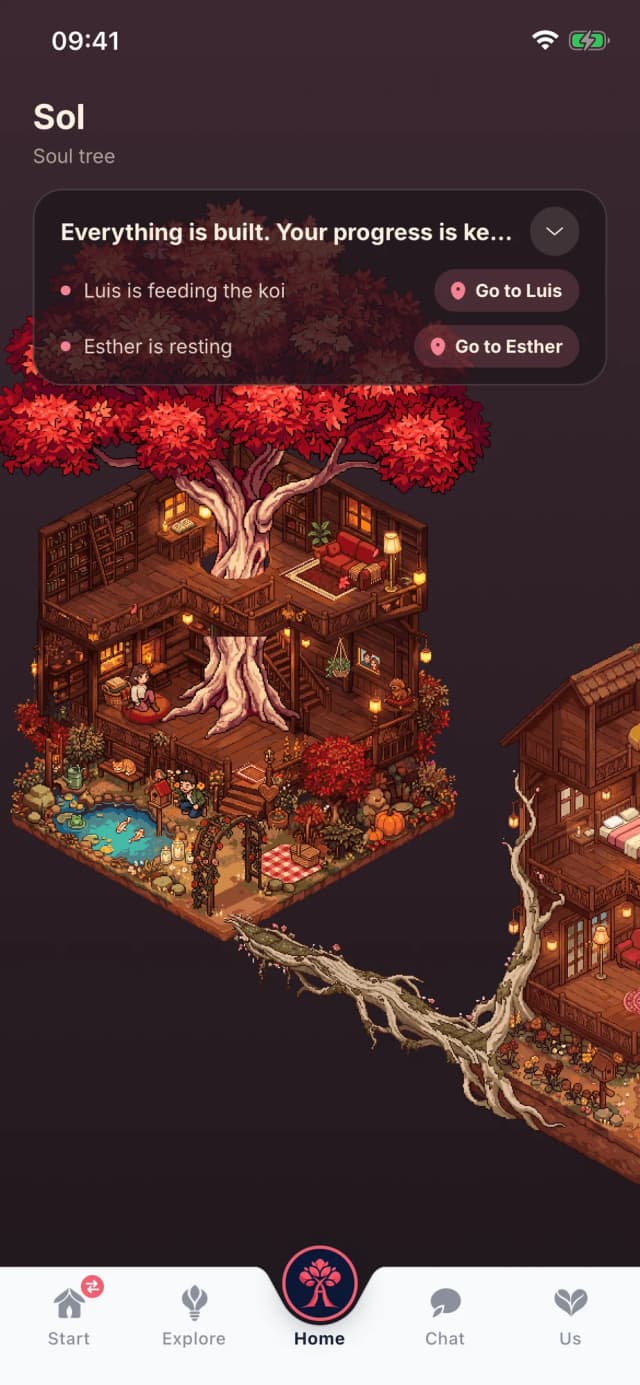
Alma is the tree growing at the heart of your virtual home, and your guide in Tilia. She's part of every conversation, so you never run out of things to say to each other.
New questions, just for you two
After every conversation, Alma suggests new questions made for your relationship. That's why the questions in Tilia never run out.
Helps you say the hard things
Something on your mind? Tell Alma. She helps you find the right words before you talk it through with your partner.
You decide what your partner sees
What you tell Alma stays yours. Your partner only sees what you choose to share.
For every couple
Newly in love, years together or long distance: Tilia adapts to you.
Start before your partner joins
Answer your first questions on your own and invite your partner with a code whenever you like.
Questions for every stage
For the first months, for many years together and for the times when miles keep you apart.
No ads
There are no ads, and we never sell your data.
See Tilia
Simple and beautiful, so the focus stays on the two of you, not the screen.

Your first question, tonight
Tilia is in open beta: you can try it for free right now on iPhone and Android.
How to start
- 1Download Tilia on your phone.
- 2Invite your partner with your code.
- 3Pick a question and both answer.
Frequently asked questions
What people ask us before they try Tilia.
An app for couples full of questions to get to know each other better. You pick a question, each of you answers on your own phone, and once you've both answered you see the other's answer. Every conversation grows your virtual home, a little world you build together.
No. You can answer as many questions as you like. There are questions on lots of themes, the catalog keeps growing, and Alma creates new questions from your conversations. The question of the day is just a suggestion for when you don't know where to start.
Yes, Tilia is for both of you: each of you uses it on your own phone and you answer the same questions. You can start on your own and invite your partner with a code whenever you like.
As much as you like. A question is quick to answer, and if you're in the mood, the conversation can go on all evening. No minimum, no pressure.
Downloading Tilia is free and everything is open for the first week. After that, the question of the day stays free. For all questions, your virtual home and Alma there is Tilia Duo: one subscription for both of you.
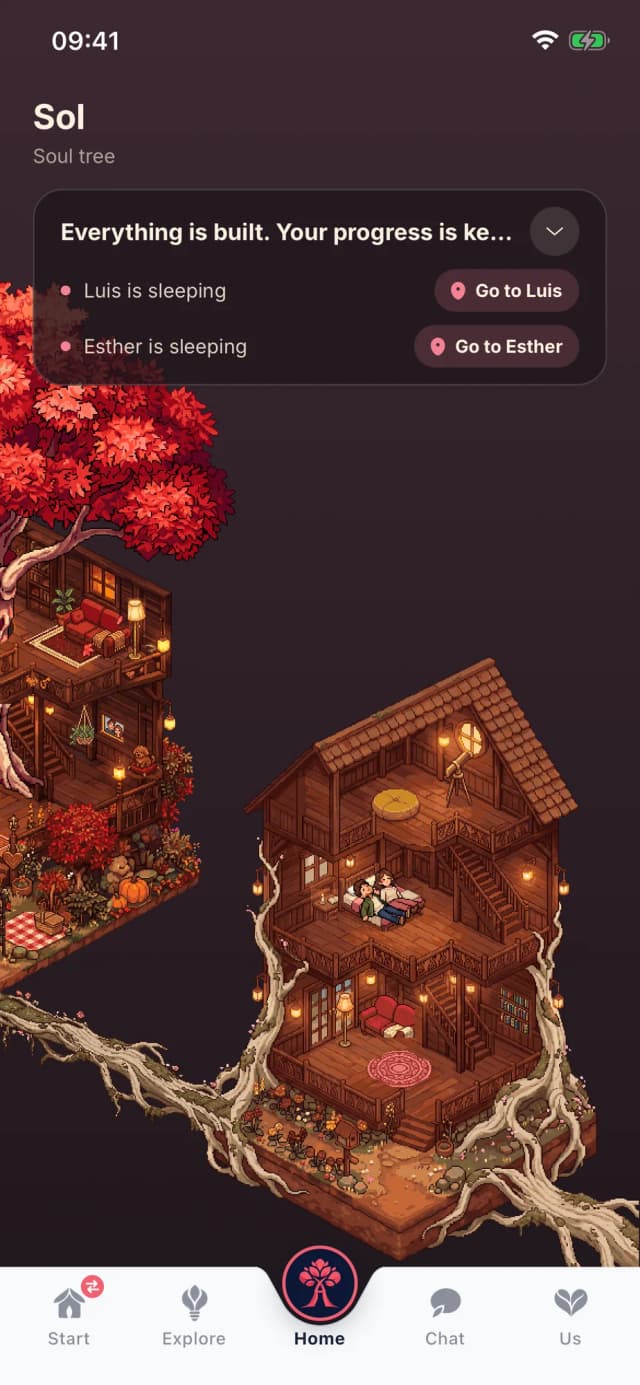
Your place in Tilia: a treehouse with a garden, a pond and more rooms that open up over time. Every question you answer adds something new, and your avatars live there. It never shrinks: if you skip a day, you lose nothing.
Alma is the tree at the heart of your virtual home and your guide in Tilia: she suggests new questions and helps you put what you feel into words. Alma is an AI: the Claude model by Anthropic, running on Amazon Web Services servers in the EU. Before your first conversation with Alma we ask for your permission. Your messages are not stored there and are not used to train models.
Yes. Your partner only sees what you choose to share. Your conversations are not sold, not used for advertising and not used to train anything. So Alma can answer, the AI processes your texts in Europe without storing them.
Right now, as an open beta: on iPhone via TestFlight and on Android via Google Play (for now in Spain and Germany). The buttons on this page take you to the invitation. The official store launch follows soon.